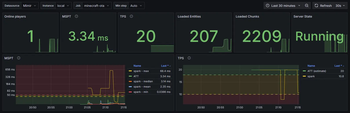

OpenTelemetry can be used to report various monitoring data (including metrics, logs and traces) and is a de-facto industry standard.
This mod provides additional instrumentation for the OpenTelemetry JavaAgent so that various game metrics can be reported. The overall functionality is similar to fabric-exporter.
Instrumented/Reported metrics
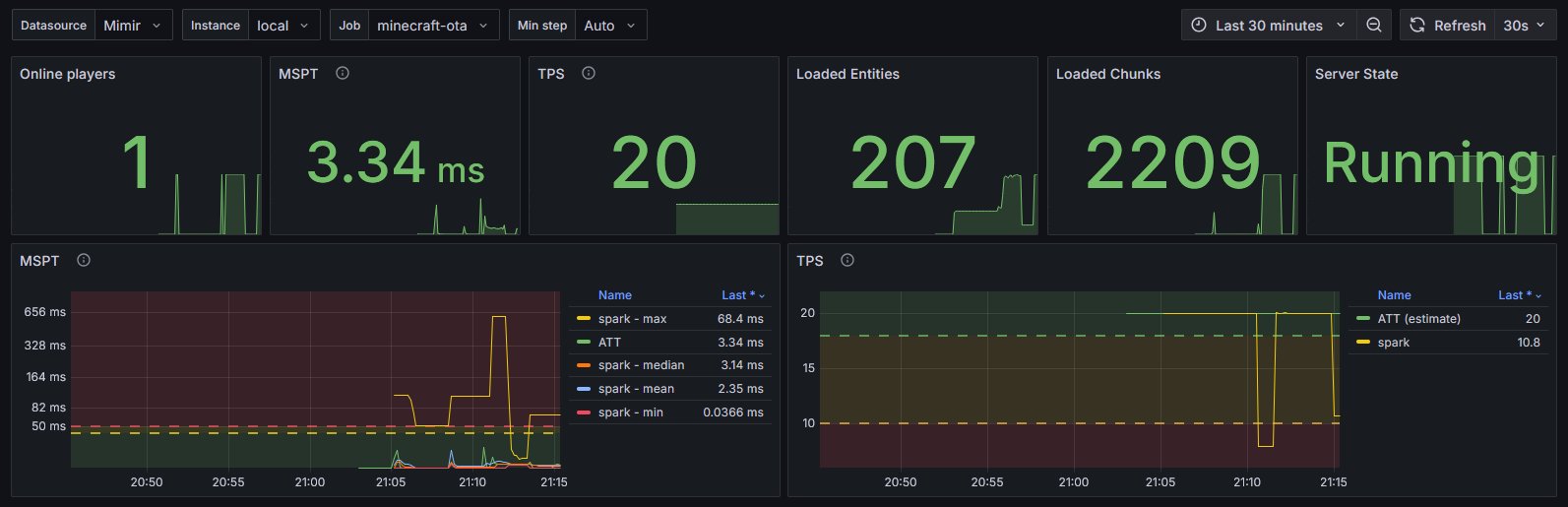
- MSPT/TPS
- Loaded chunks
- Server state
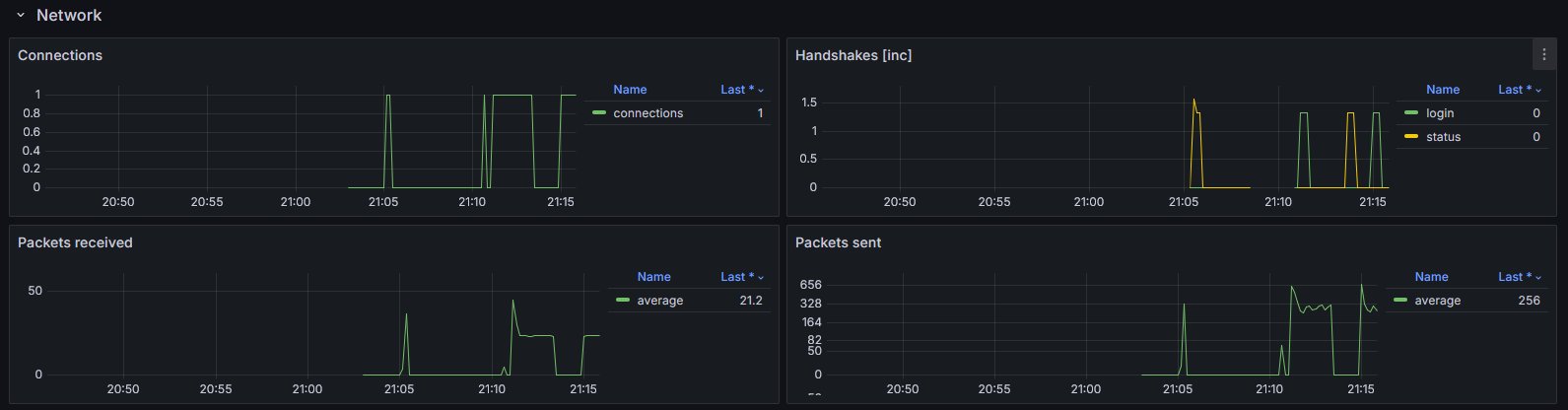
- Networking
- connections
- handshakes
- packets sent/received
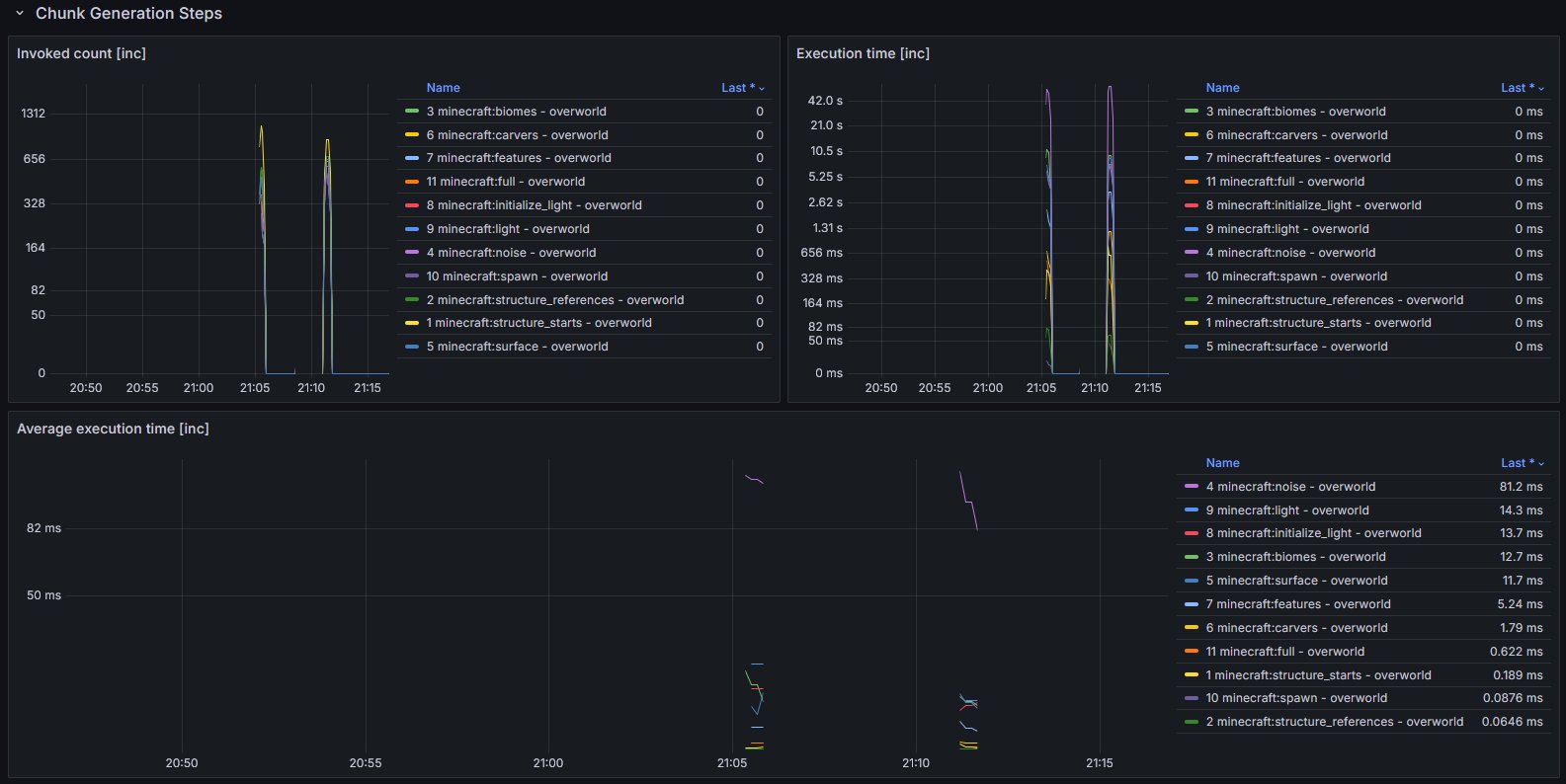
- Chunk generation
- Entities
- grouped by type, spawn ground and world/dimension
- Players
- by world
- online
- total xp (score)
- xp level
- Runtime
- game version
- Fabric version
- Optional data from spark
Setup
- Make sure you have an endpoint where OpenTelemetry data can be ingested.
This could be a OpenTelemetry Collector hosted by you or by someone else (e.g. in the Grafana Cloud). - Setup the OpenTelemetry Java Agent so that it sends data to your ingestion service.
- Add the OpenTelemetry Agent Helper Extension for Fabric.
- This is required so that the OpenTelemetry Agent is correctly detecting and utilizing the mod.
- Simply add and (optionally) configure this mod. It should work out of the box.
- Import the provided dashboard into Grafana
- From Grafana Dashboards
- From the local demo in the repo
Diagram showcasing how the overall infrastructure can look

You may also have a look at the corresponding development setup as it contains an locally running deployment of the full infrastructure.
Dashboard look
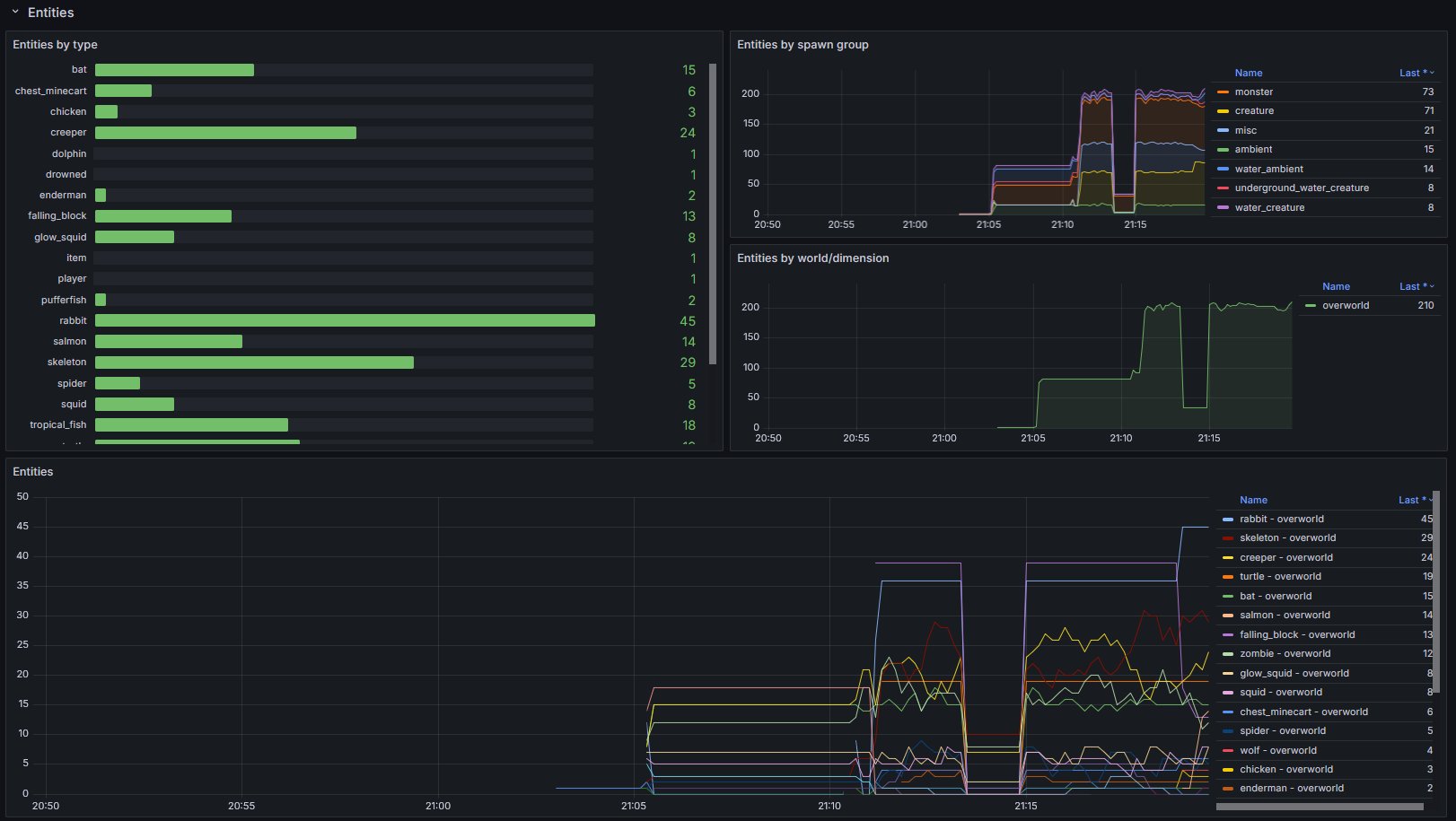
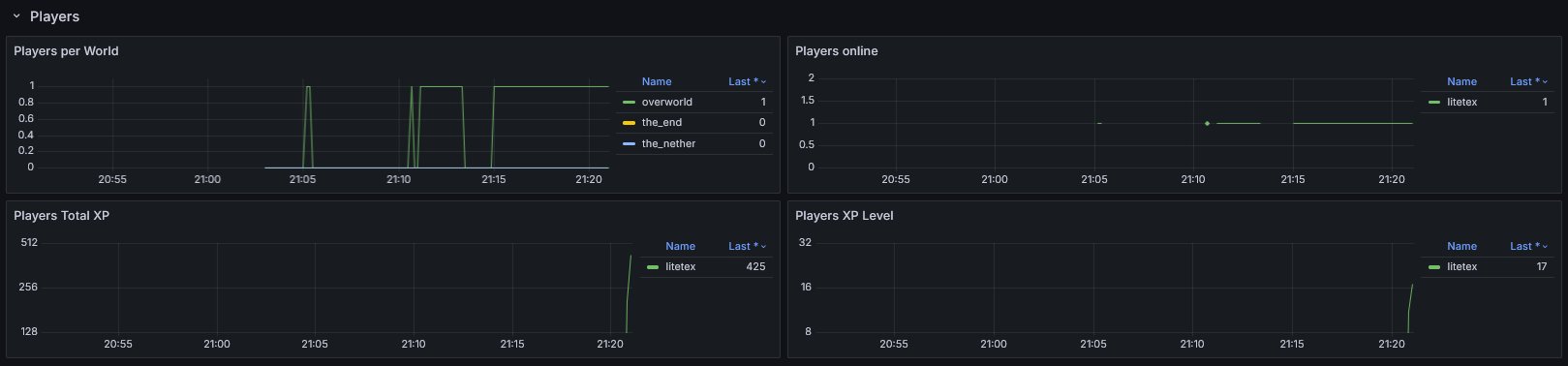
Example integrations
- For
itzg/minecraft-serversee here
Configuration
The configuration is dynamically loaded from (sorted by highest priority)
- Environment variables
- prefixed with
OIE_ - all properties are in UPPERCASE and use
_instead of.or-
- prefixed with
- System properties
- prefixed with
oie.
- prefixed with
- A configuration file located in
.config/oie.json
Full list of configuration options
Please note that the preconfigured values usually work out of the box.
You should know exactly what you're doing when doing modifications.
General
| Property | Type | Default | Notes |
|---|---|---|---|
instrumentation-name |
String |
minecraft |
Used as instrumentationScopeName. A name uniquely identifying the instrumentation scope, such as the instrumentation library, package, or fully qualified class name. Must not be null. |
strip-identifier-namespaces |
bool |
true |
Removes namespaces from Identifier. Disabling this causes identifiers to look like this minecraft:overworld instead of overworld.Usually only required for heavily modded servers. |
Metrics
| Property | Type | Default | Notes |
|---|---|---|---|
metrics.freeze-when-server-paused |
bool |
true |
Stop fetching certain metrics when the server is paused and uses previously cached values. This optimization usually improves the sampling speed for affected metrics by >10x. Outcomes vary and depend on the work required for fetching and how often the server enters idle mode. If the server is not using pauseWhenEmptySeconds (set to <= 0) this optimization will be ignored. |
metrics.prefix |
String |
minecraft_ |
Prefix for all metrics |
metrics.counter-suffix |
String |
_total |
Suffix for counters |
metrics.enabled-only |
List<String> |
- | Only enables the specified metrics. ALL OTHER METRICS WILL BE DISABLED! |
metrics.enabled-additionally |
List<String> |
- | Additionally enables the specified metrics. This is only relevant for metrics that are not enabled out of the box. |
metrics.disabled |
List<String> |
- | Disables the specified metrics |
metrics.enable-player-details-samplers |
bool |
true |
Determines if the PlayerDetailsSamplers (e.g. Online, TotalXP, XPLevel) are enabled |
External resources
Project members

litetex
Member
Technical information
License
LGPL-3.0-or-later
Client side
unsupported
Server side
required
Project ID