









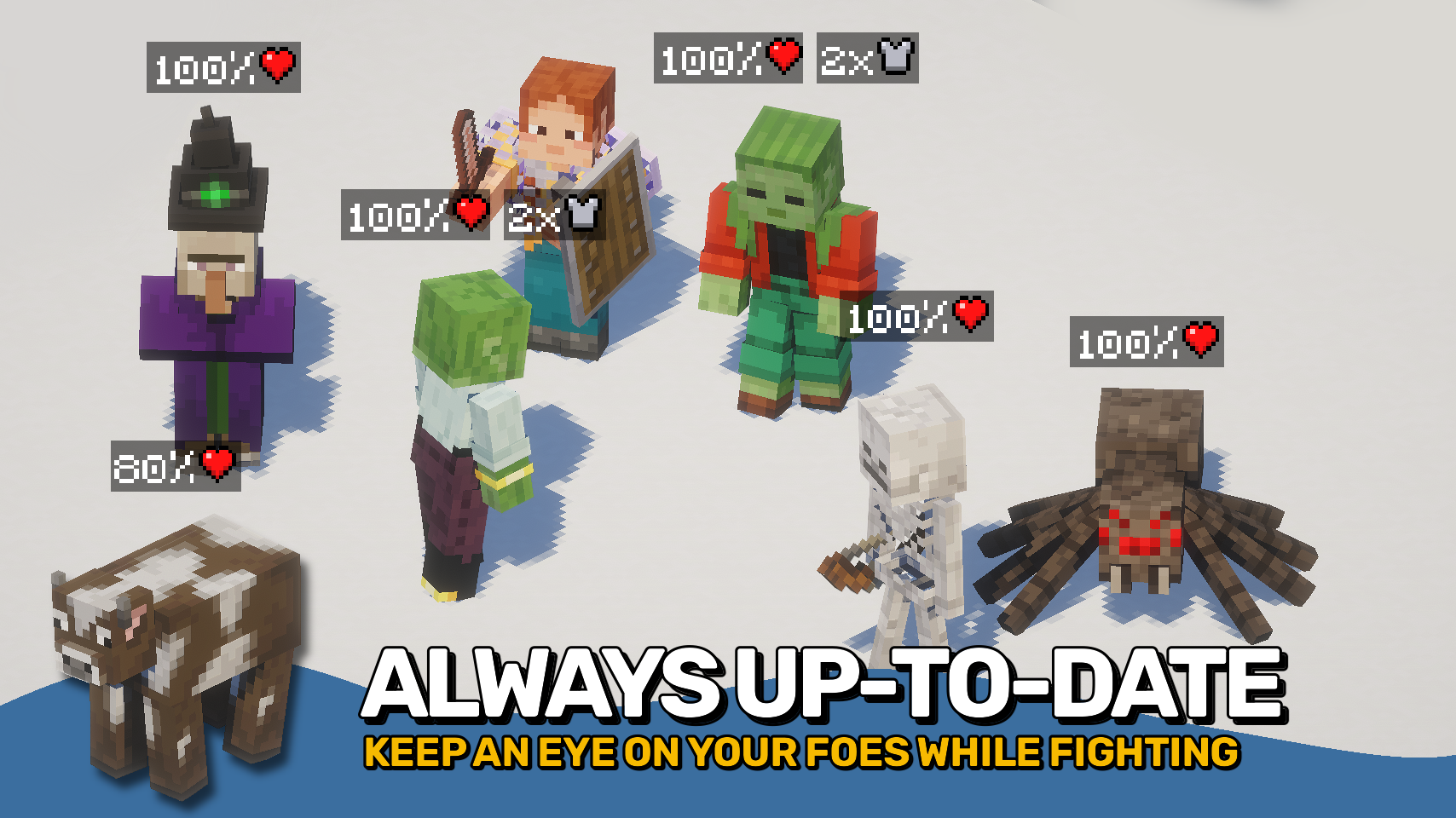
Mob Plaques adds compact status displays above mobs, letting you quickly see important information without cluttering your screen. Health, armor, armor toughness, and air supply are shown using familiar Minecraft-style icons that feel right at home in the game. ❤️
Whether you're fighting monsters, managing animals, exploring underwater, or taking on bosses, the mod helps you judge a mob's condition at a glance. The plaques stay small and unobtrusive while still providing the information that matters most. 🛡️
This mod is designed to fit a wide range of playstyles, with flexible visibility options, support for many different entity types, and an in-game toggle whenever you want a cleaner view. 👁️

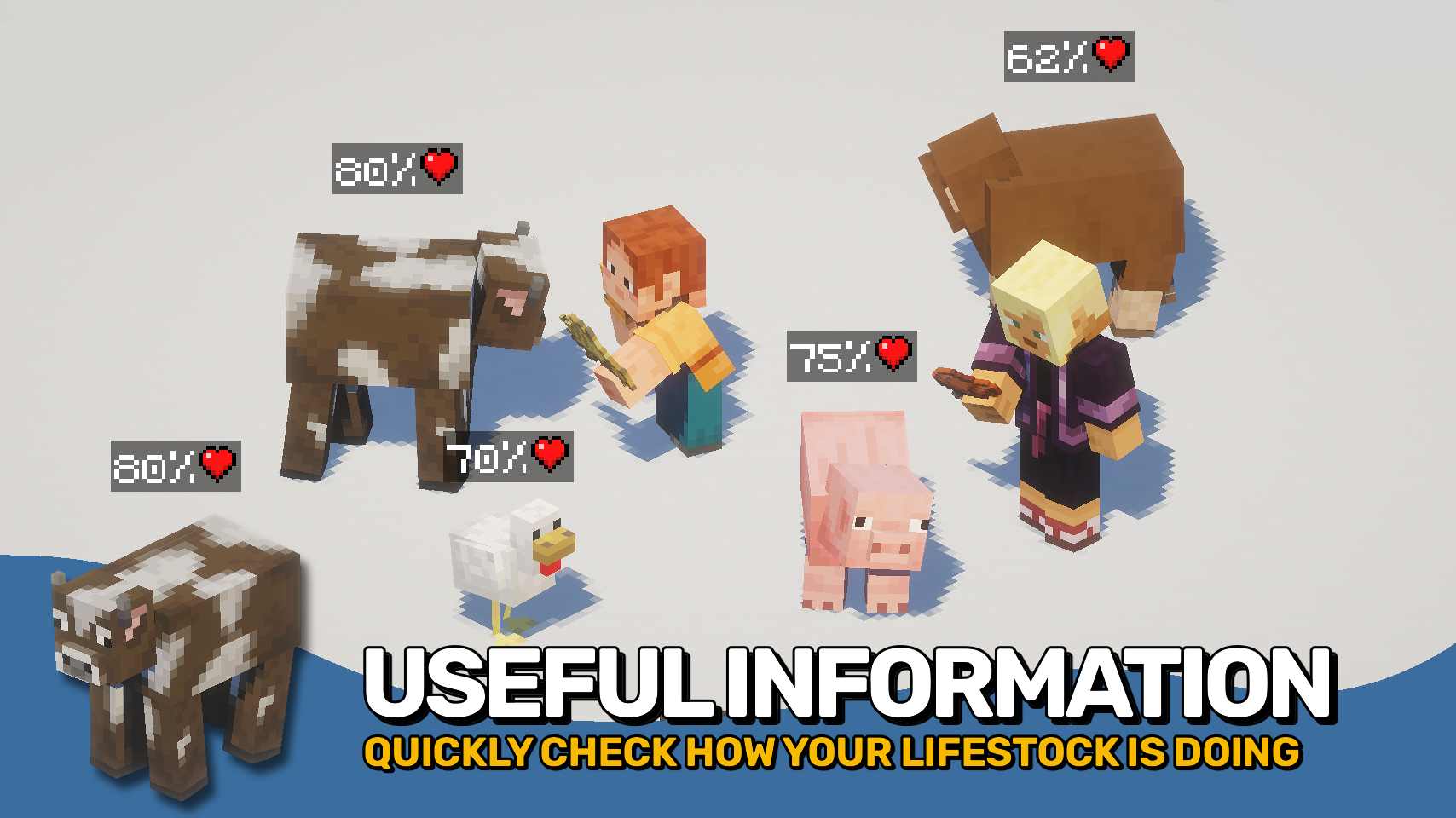
- ❤️ Health Plaques: Display mob health above entities using familiar Minecraft heart icons.
- 🛡️ Armor & Toughness: See armor and armor toughness values without guessing.
- 🫧 Air Supply Display: Track remaining air when mobs are underwater and running out of breath.
- 🎯 Focus Mode: Optionally show plaques only for the entity you are looking at.
- 🐺 Flexible Entities: Display plaques for mobs, monsters, bosses, players, mounts, tamed animals, and more.
- 🪄 Distance Scaling: Scale plaques based on proximity for better readability.
- 👁️ Visibility Options: Adjust render distance, scaling, positioning, brightness, wall visibility, and other display settings.
- ⌨️ Quick Toggle Keybind: Enable or disable all plaques at any time with a configurable keybind.


⏩ INSTALLATION REQUIRED ON CLIENT
⏩ REQUIRES PUZZLES LIB TO BE INSTALLED (FABRIC & NEOFORGE)
⏩ REQUIRES FABRIC API TO BE INSTALLED (FABRIC)
⏩ REQUIRES FORGE CONFIG API PORT TO BE INSTALLED (FABRIC)

If available for a mod, configuration is possible directly from in-game using the mod menu (requires Mod Menu by Prospector to be installed on Fabric).
For manual configuration using an external text editor all files are found at .minecraft/config, named as MOD_ID-client.toml, MOD_ID-common.toml, or MOD_ID-server.toml, depending on the type of config. Not all types might exist for a mod, if any at all.

🌟 Thanks to satyrnidae for creating Wolf Armor and Storage, whose wolf information display inspired the creation of this mod.
🌟 Several configuration options and customization ideas were inspired by Vazkii's excellent Neat mod.



External resources
Project members

Fuzs
Owner

LunaPixelStudios
Studio