FancySprites
A mod that lets you place sprites on containers (inventory) on the HUD and GUI—to put it simply
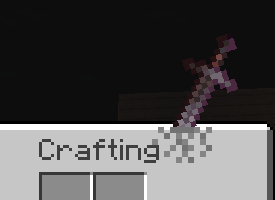
fsprites/sword.mcmeta
{
  "enabled": true,
  "description": "Example of a sword-themed sprite - Log :3",
  "id": "sword",
  "gui": ["minecraft:inventory"],
  "anchor": "top_right",
  "z_index": 1,
  "pos": [200, -35],
  "scale": 0.22
}
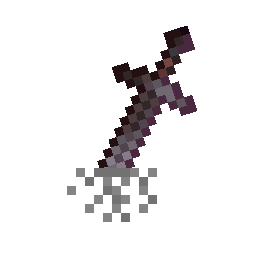
and in fsprites/sword, the image 0.png
There are many parameters:
| Property | Type | Default | Description |
|---|---|---|---|
enabled |
bool | - | Required. Set to true to load the sprite (but the sprite can be enabled or disabled in the menu) |
id |
string | - | Required. ID, also used as the name |
visible |
bool | true |
Sprite visibility |
gui |
string or array of strings | minecraft:* |
Target GUIs; exact identifiers, wildcards, and negation are supported, e.g., “!minecraft:game” |
anchor |
string | top_left |
Positioning anchor point |
pos |
[x, y] | [0, 0] | Position offset from anchor |
rot |
int | 0 |
Rotation in degrees |
scale |
float | 1.0 |
Scaling factor |
opacity |
float | 1.0 |
Transparency (0.0–1.0) |
z_index |
int | 0 |
Layer (positive=above, negative=below) |
blend |
string | normal |
Blend mode |
fit |
string | stretch |
Texture scaling mode |
width |
int/auto | auto |
Sprite width |
height |
int/auto | auto |
Sprite height |
origin |
[x, y] | [0, 0] | Rotation/scale center |
screen_space |
bool | false |
Use screen coordinates instead of GUI-relative coordinates |
animation |
object | - | Animation configurations |
For anchor
top_left     top     top_right
  left      center     right
bottom_left  bottom  bottom_right
For gui
minecraft:inventory              minecraft:chest
minecraft:creative_inventory     minecraft:large_chest
minecraft:furnace                minecraft:crafting_table
minecraft:anvil                  minecraft:enchanting_table
minecraft:beacon                 minecraft:brewing_stand
minecraft:dispenser              minecraft:hopper
minecraft:shulker_box            minecraft:barrel
minecraft:villager               minecraft:horse
minecraft:game                   minecraft:* (all screens)
For blend
normal- Стандартное альфа-смешивание графического интерфейса Minecraft- Еще и
additivemultiplyscreen
Animation Easing
none,linear,ease_in,ease_out,ease_in_outbounce,elastic,step,smooth
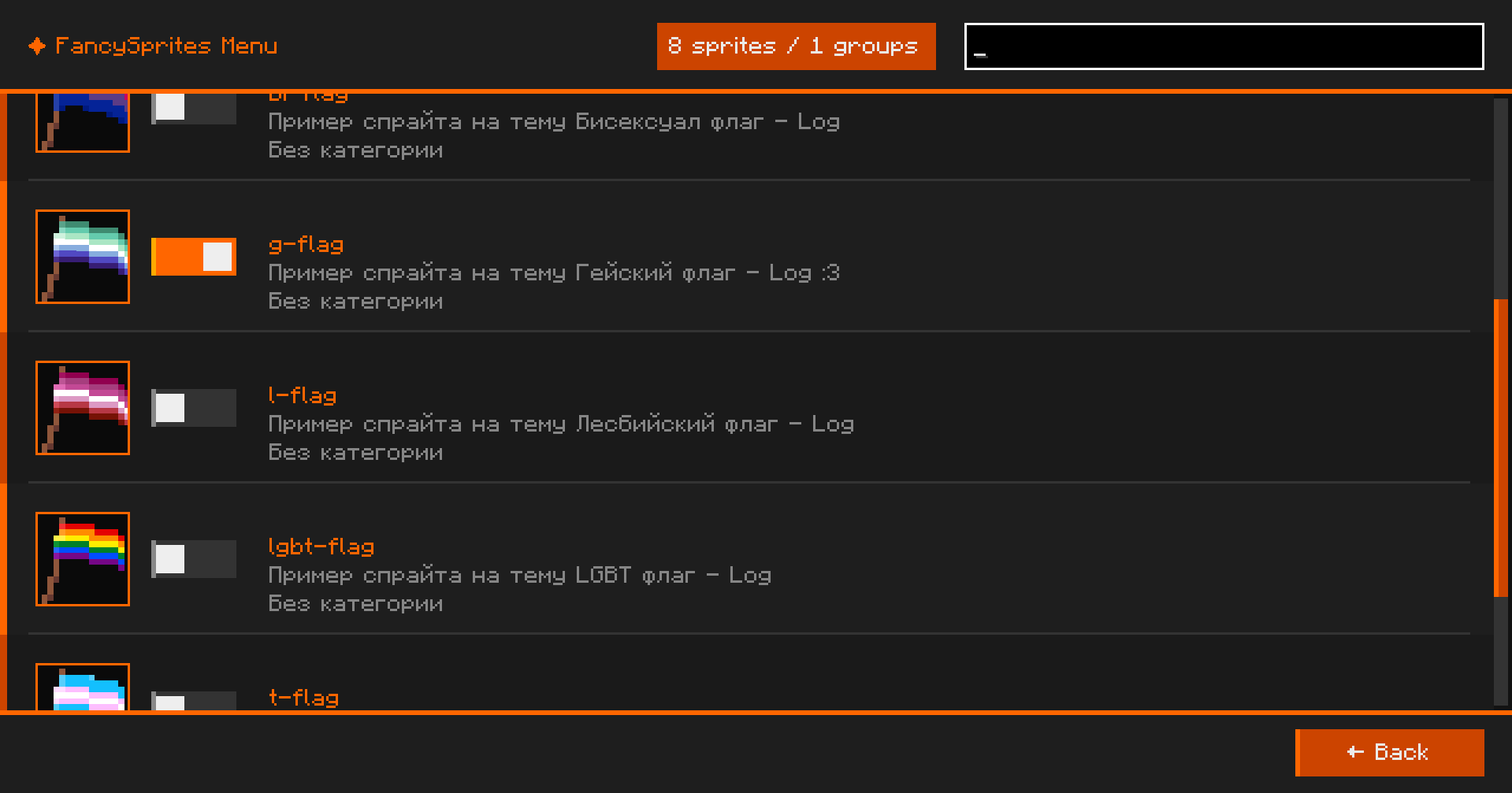
In ESC, there is a FancySprites button in the lower-right corner to open the mod menu
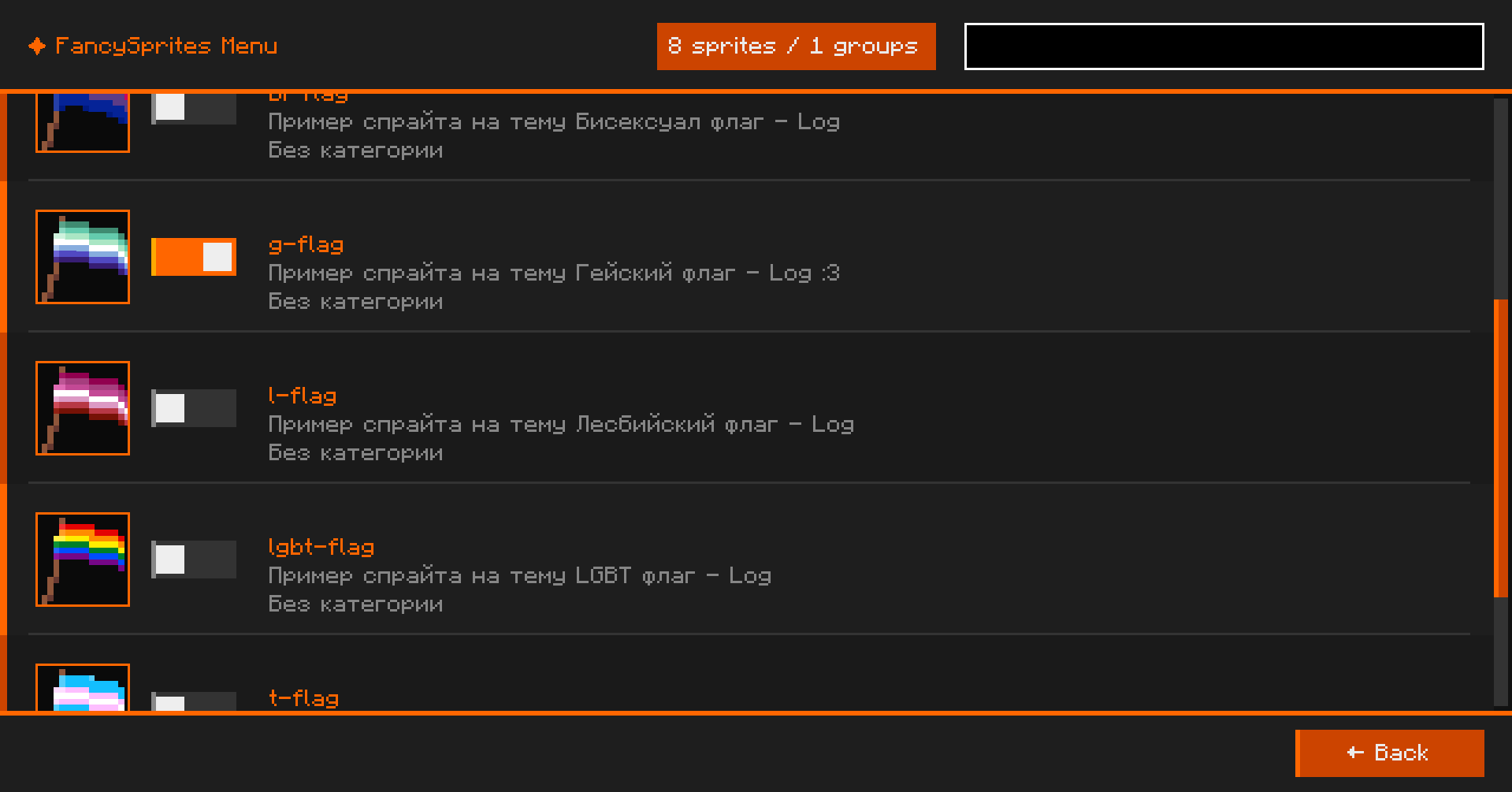 здесь можно включать и выключать спрайты которые сделали
Examples of sprites in a RAR archive
Move all the sprites inside to the fsprites/ directory
External resources
Project members

UserLog
Member
Technical information
License
MIT
Client side
required
Server side
unsupported
Project ID