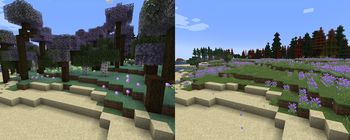



Biome Replacer is a simple and easy-to-use utility mod for removing unwanted biomes
Features
- Easy configuration: Simple properties file with intuitive syntax
- Designed for datapacks Configure Terralith or other worldgen packs with ease*
- (Limited) mod integration: Remove biomes from a mod that has no configuration of its own**
- Server-side: No client installation needed (unless you want to use it in singleplayer, of course!)
- High availability: From 1.18.2 up to the most current Minecraft version, all equally supported
- Negligible performance impact: Runs only once on world start, does not slow down the generation
*Please note that Biome Replacer cannot change terrain shape. This means that it's impossible to change oceans to land, create ocean-only worlds, etc.
**The only currently supported biome libraries are TerraBlender & Blueprint, so you won't be able to change Biolith biomes, for example. Still, BR should not break, and will work fine alongside most world generation mods.
Setup
- Install the mod, then run your client/server once to generate configuration file
- Find
biome_replacer.propertiesin theconfigfolder - Add your replacement rules (see examples below), then load up the world
If you made any mistakes, you will see warnings in chat. Check for typos in your biome IDs, and try again.
Tip: on client, you don't deed to restart the game every time you change your rules, you can simply leave and enter the world again.
Examples
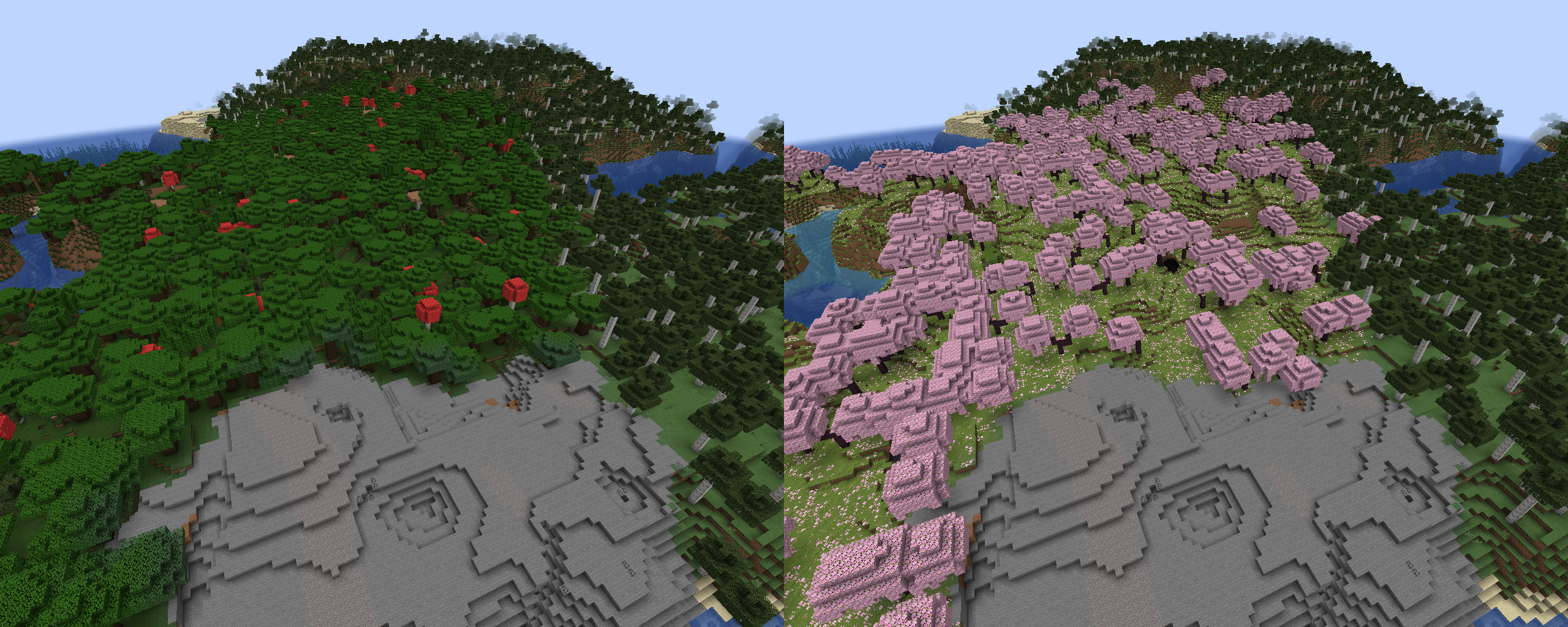
Rules follow the format old_biome > new_biome. Here is an example with vanilla biomes:
minecraft:dark_forest > minecraft:cherry_grove
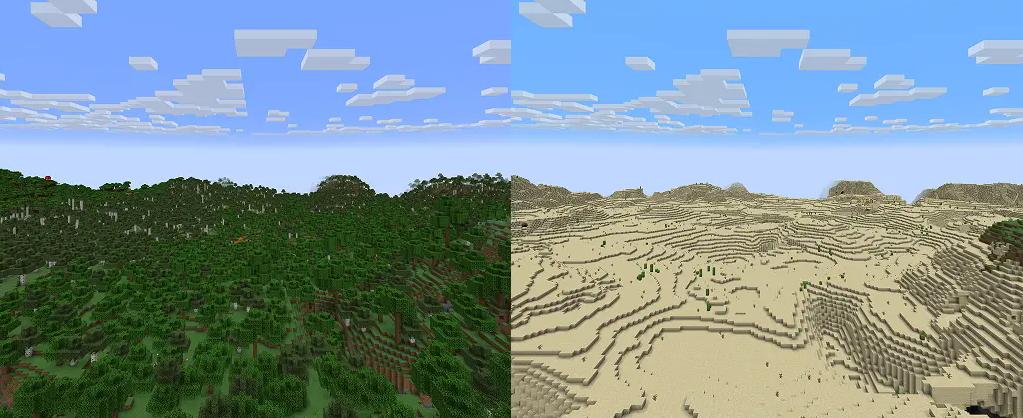
Using biome tags is supported:
#minecraft:is_forest > minecraft:desert
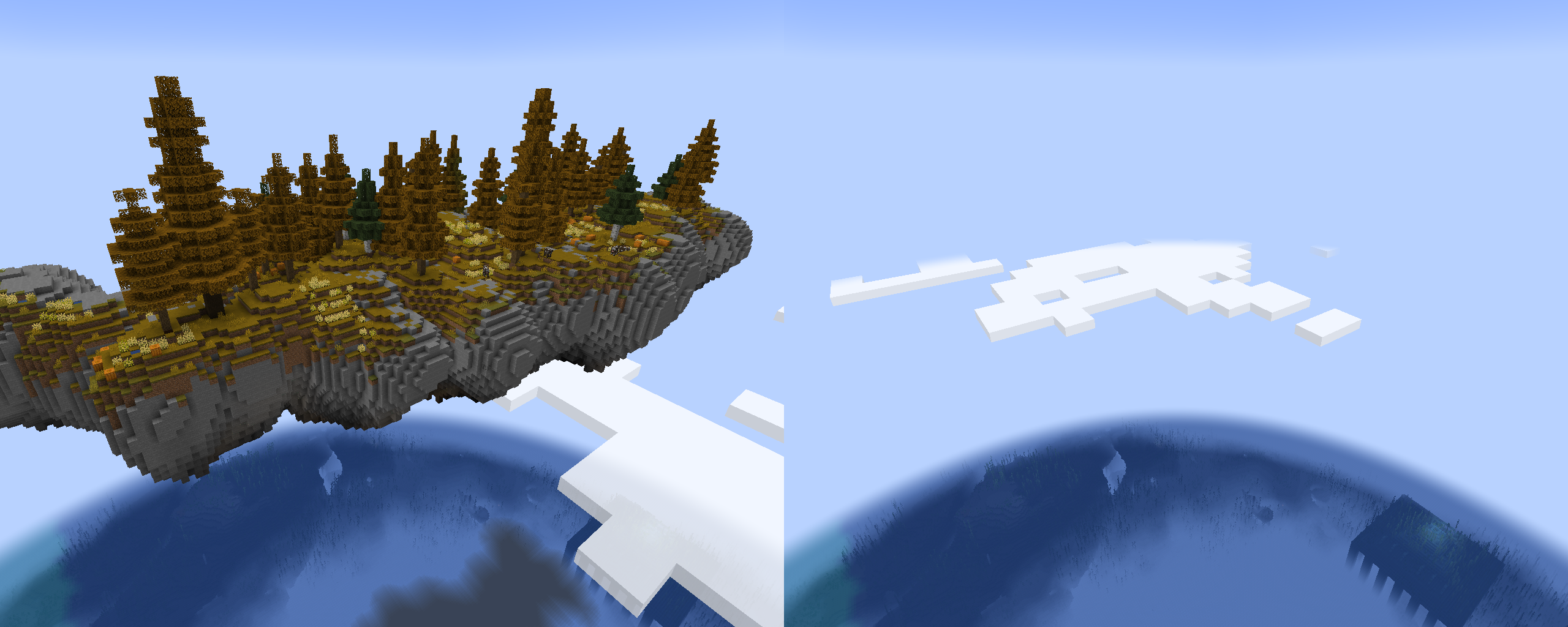
it's possible to completely remove biomes using a "null" keyword. For example, these rules will remove Terralith's skylands:
terralith:skylands_autumn > null
terralith:skylands_winter > null
terralith:skylands_spring > null
terralith:skylands_summer > null
You can also use a biome tag to achieve the same effect:
#terralith:skylands > null
Important: if you're not careful, using this method on biomes from vanilla and datapacks can cause crashes, or mess up biome distribution. Please test thoroughly before using it in a world you care about!
Advanced features
To target specific dimensions, use headers with dimension ID: [mod:dimension]. Rules following it will only be applied to a specified dimension.
(Note that this typically isn't needed, unless you have custom dimensions that generate the same biomes, and you want to target only one of them)
[minecraft:overworld]
minecraft:desert > null

[custom:dimension]
minecraft:desert > minecraft:badlands
Resources
External resources
Project members

werdei
Owner

LegendarySpy
Contributor